 P2P
P2PHow to start as a P2P trader: step by step
From the first message to the first working session — how onboarding on a P2P processing platform works, what happens at each step and what to prepare.
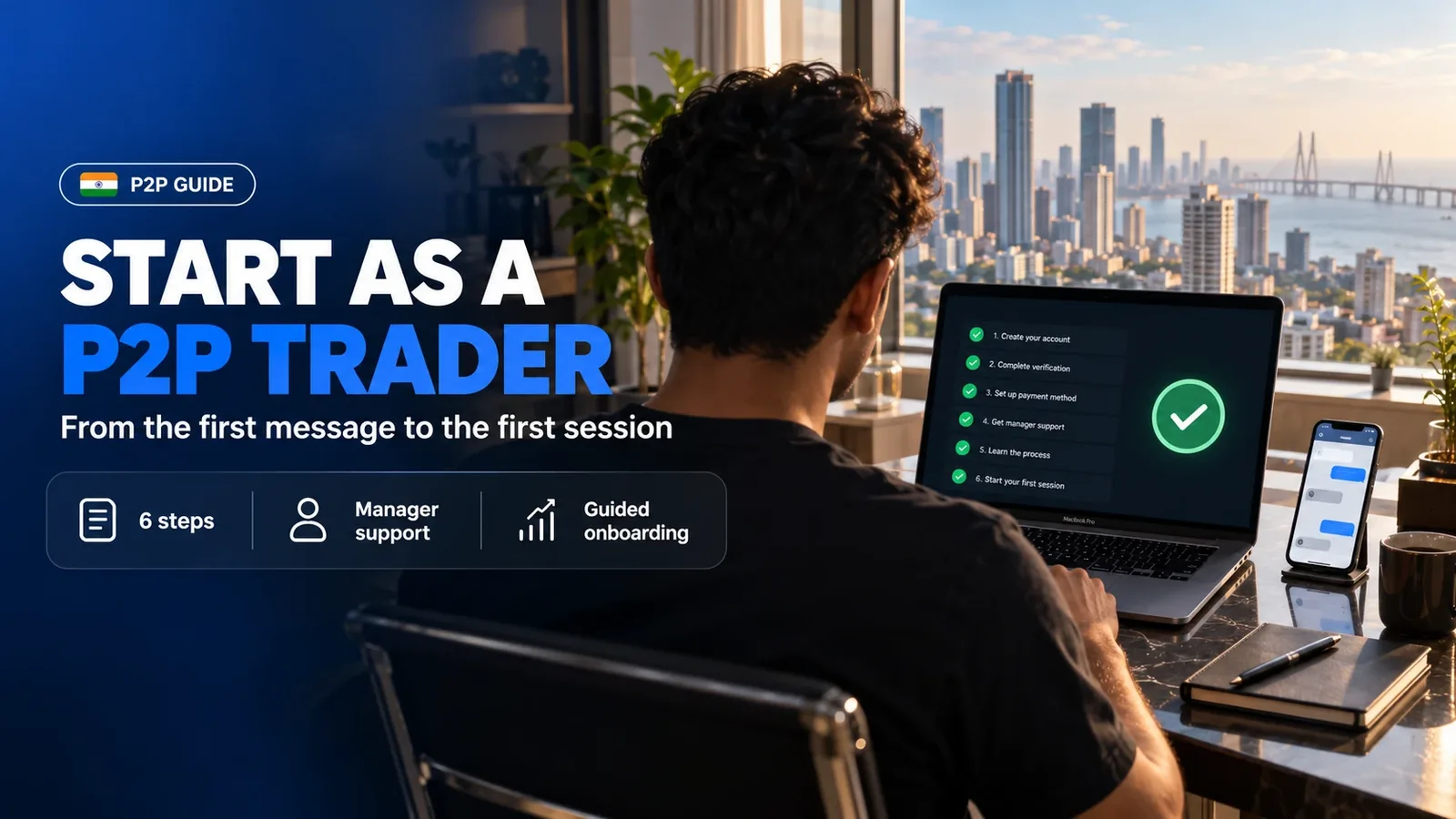
If you are new to P2P processing, the path from your first message to your first processed order is shorter than it looks. Here is exactly how it goes.
1. Contact the manager
You write to the manager and get the basics: how the platform works, the working conditions and what P2P processing actually involves. This is the moment to ask everything — rates, deposit, traffic type, working hours.
2. Register on the platform
A personal dashboard is created for you. This is where orders arrive and where you confirm payments.
3. Complete onboarding
The team walks you through how the platform works, how processing is organised and what you need to know before starting, including the rules on limits, appeals and disputes.
4. Join the working environment
After onboarding you are added to the working chats, and you connect your approved bank accounts to the platform.
5. Place the security deposit
To activate your working account, you place the required security deposit. The amount and its structure depend on the platform.
6. Start working
Once your account is checked and activated, you start receiving and processing the available transaction volume. The first sessions are usually smaller, so the workflow becomes routine before the volume grows.
Managers guide you through registration, onboarding, bank setup and your first working sessions, so you understand the whole process before you begin.
What to prepare in advance
- Active bank accounts with working UPI — see bank account types and limits and the banks that perform best
- USDT for the deposit
- A phone or other device you can keep running while you work
- Hours during the day when you can actually be online
Once you work, your income comes from three operations — read PayIn, PayOut and Settlement before your first session.
Ready to start? Send an application or write to @TravisTL.